
Every Apple visit,logged
Discover Apple locations, save your visits with photos, and see your progress around the world.
Join the beta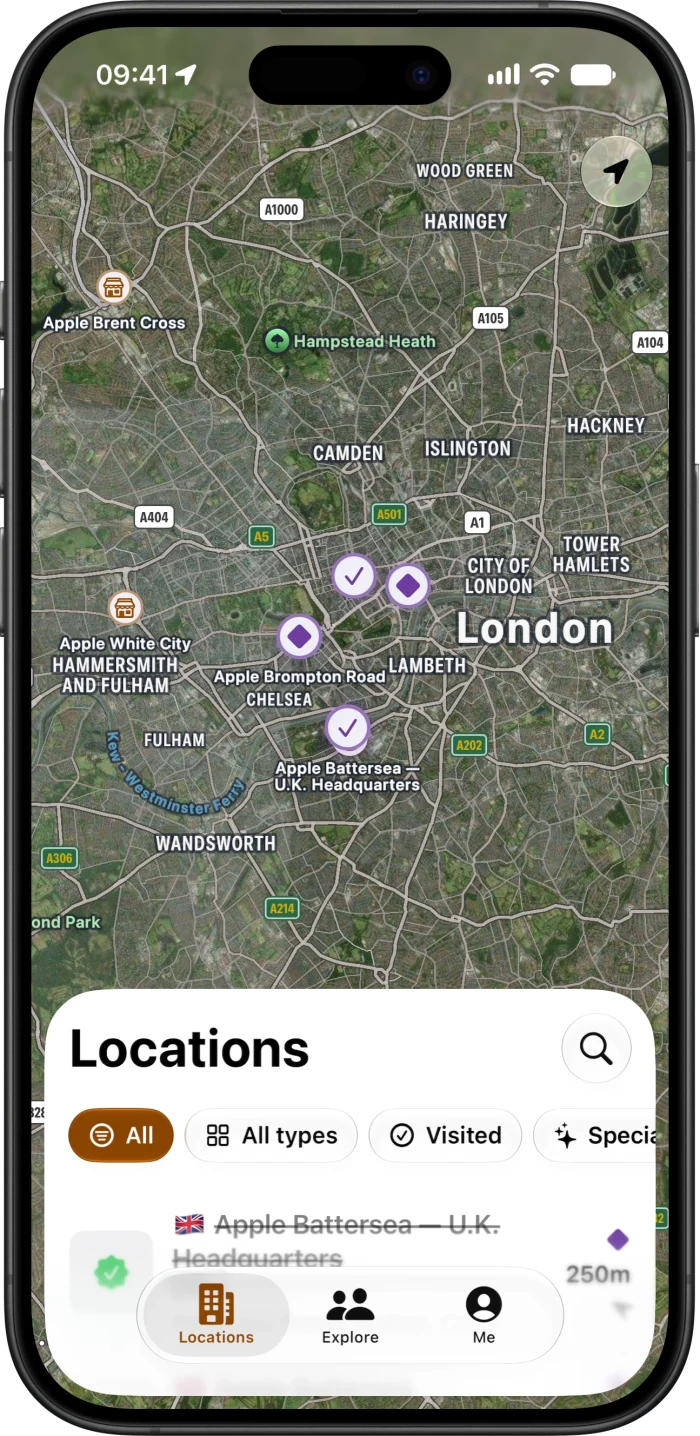
Keep every
visit.
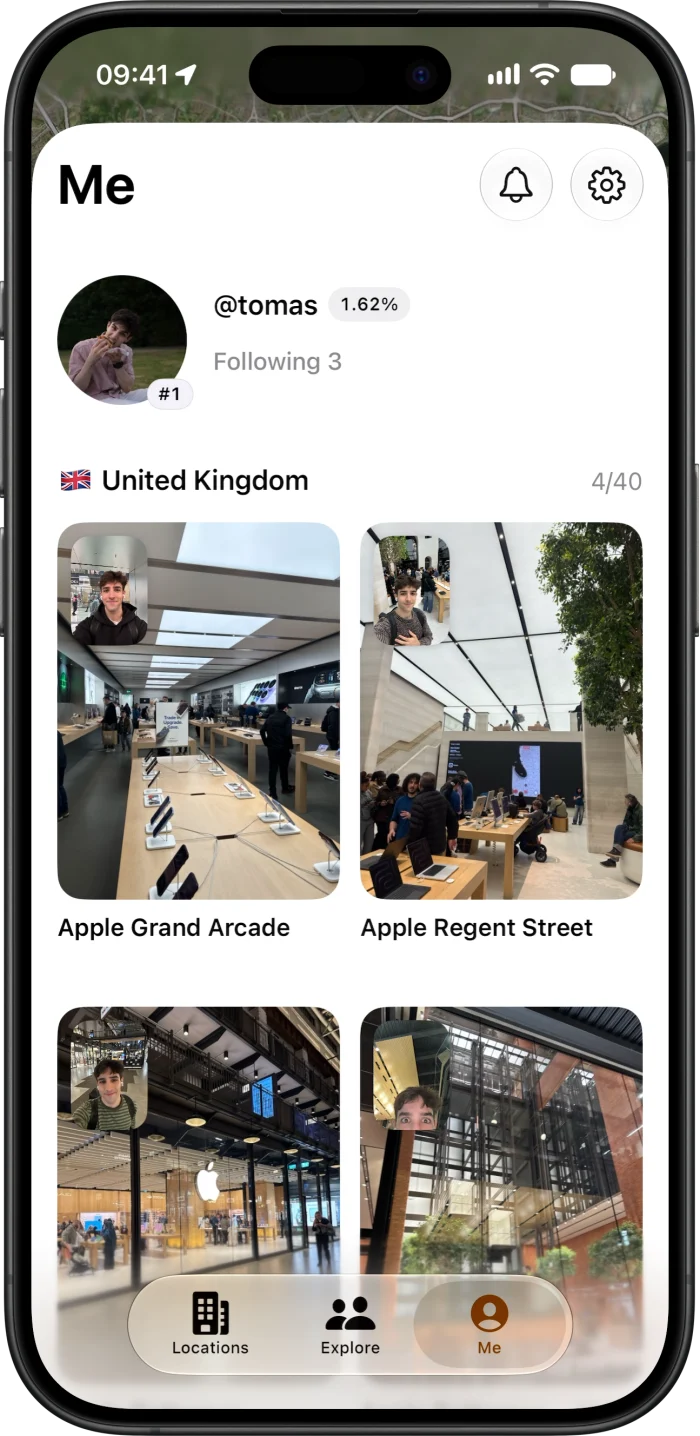
Save the places you’ve been with store photos and selfies. Add past visits from your camera roll, and build your own collection.
Send apples.
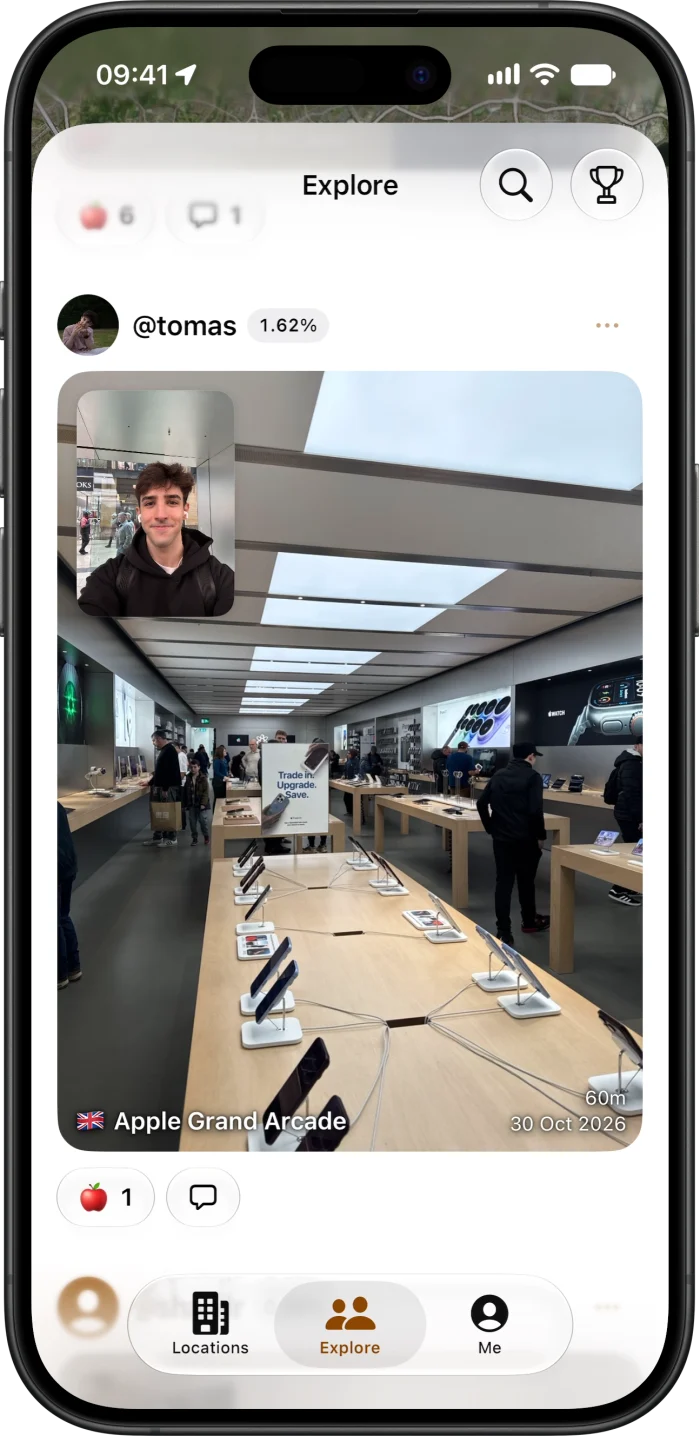
Give a little love to the visits you like.
Climb the
leaderboard.
FAQ
What is this?
Find My Store is an independent app for exploring Apple Stores and landmarks, keeping a photo record of your visits, and sharing them with other fans.
Why?
For the architecture, the history, or just the fun of visiting somewhere new. It’s a way to keep those memories, find your next stop, and enjoy a little friendly competition.
How do I get the app?
Find My Store is currently in beta for iPhone and iPad. Install TestFlight, then open the beta invitation on your device.
How do I log a visit?
Sign in with Apple, open a location, and tap Add your visit. Capture a store photo and a selfie, then save your visit.
Can I add visits from before I joined?
Yes. Open a location, add a past visit, select a photo from your library, and set the visit date. Past visits count toward your progress.
How does the leaderboard work?
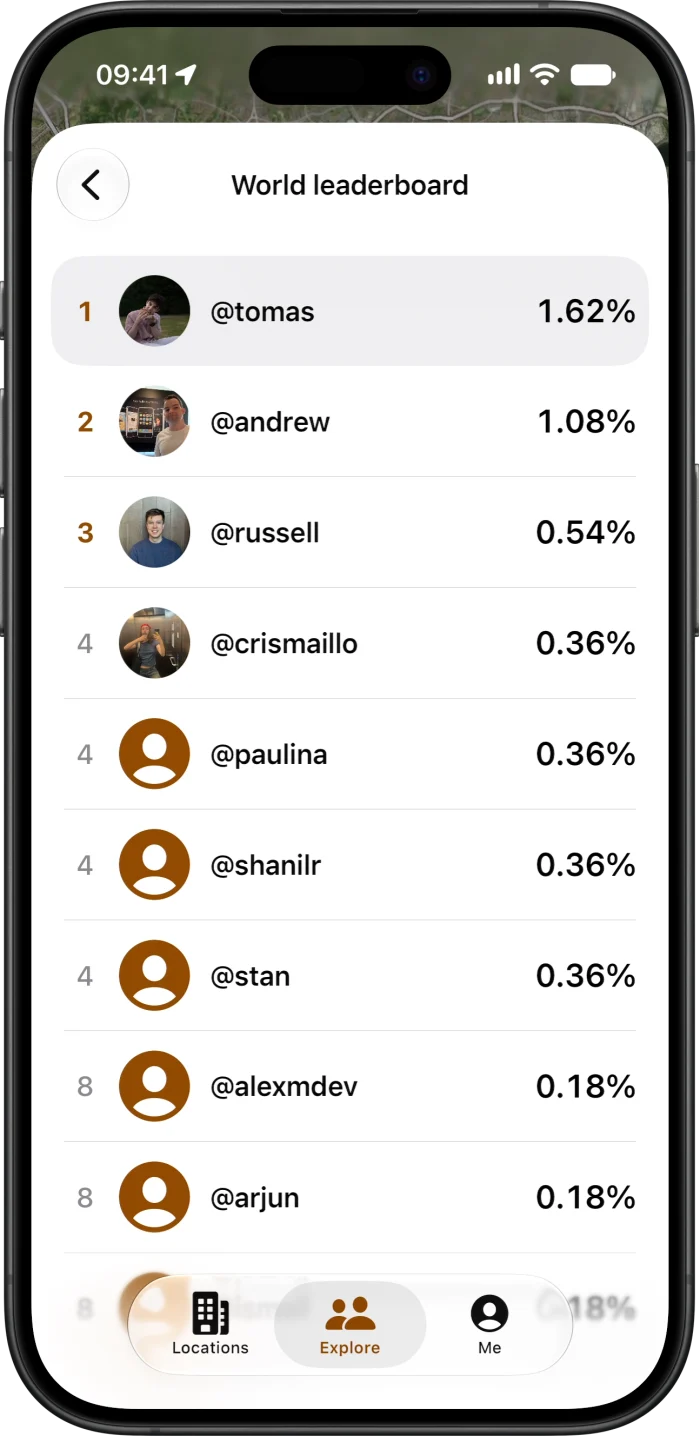
Your world progress is the percentage of locations in the app that you’ve visited. Each location counts once, including past visits. Visit more locations to move up the leaderboard.
What are apples?
Apples show appreciation for someone’s visit. Tap the apple button or double-tap a photo to give one. They don’t affect leaderboard rankings.
Who can see my visits?
Your profile, visits, photos and comments are visible to other signed-in users. See the privacy policy for details.
Why does the app ask for my location?
Location is optional. It helps find nearby places, show your distance from a location when you take visit photos, and send nearby reminders if you enable them. Nearby checks happen on your device; capture coordinates are sent to the server to calculate distance. Read more in the privacy policy.
Can I delete my visits or account?
Yes. You can delete individual visits in the app, or go to Settings → Delete account to remove your account. The privacy policy explains what gets removed.
How can I get help or suggest a location?
Get in touch with a question, bug report or missing location. During the beta, you can also send feedback through TestFlight.